
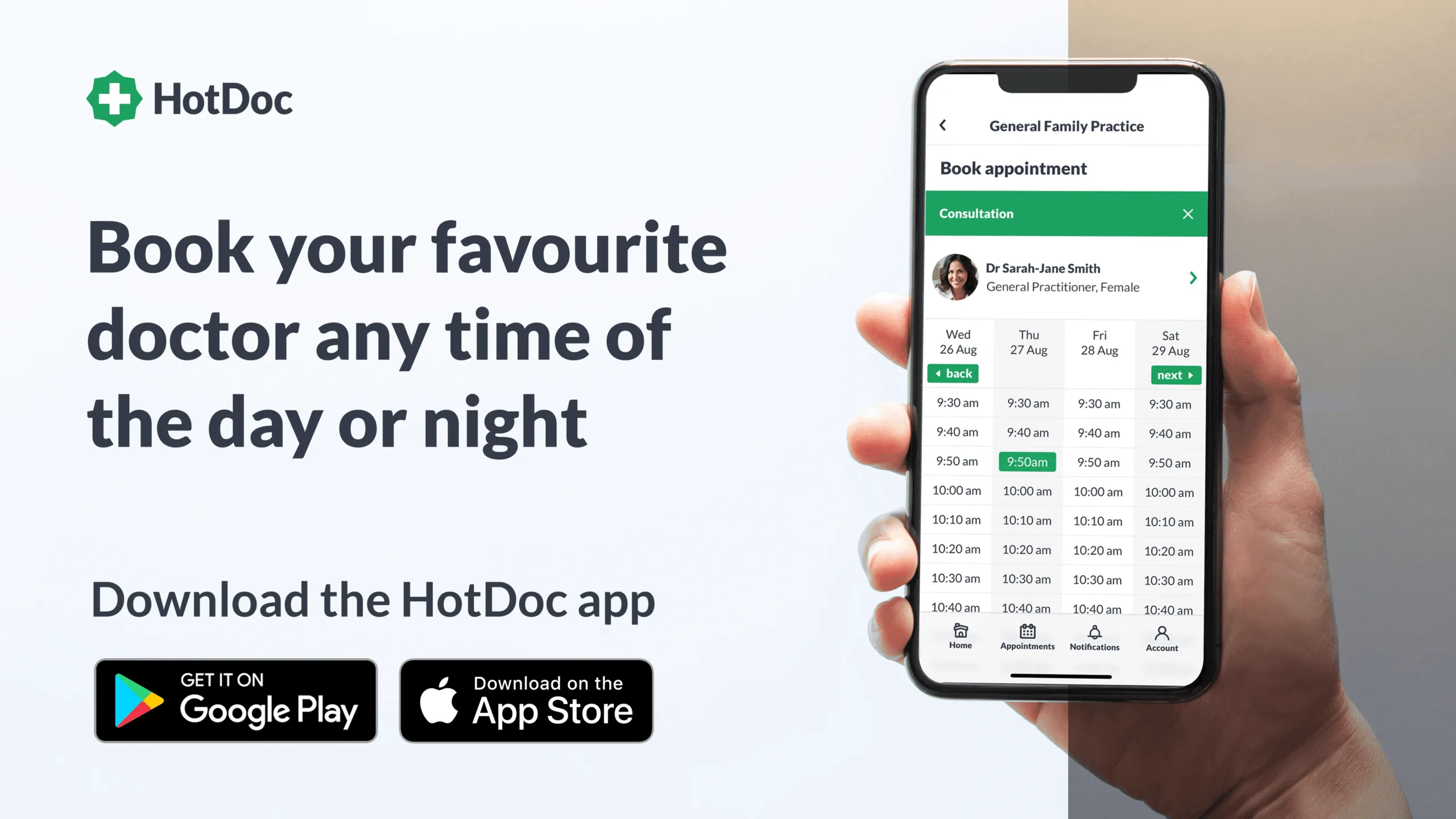
How online booking works
Woolloongabba Medical Centre offers online booking through HotDoc when appointment times are available. Availability can vary by practitioner, day and appointment type.
- Select a doctor — choose a preferred practitioner, or ask reception if you are unsure who is suitable.
- Choose an appointment type — select the option that best matches the reason for your visit. Reception can advise if a longer appointment is needed.
- Confirm your booking — complete the booking in HotDoc and keep your confirmation details.
- Reminders and management — HotDoc may send appointment reminders and allow you to confirm, cancel or reschedule according to current practice settings. The HotDoc app can also help manage bookings.
Using the HotDoc app
Download the HotDoc app to receive reminders, manage family bookings and book appointments from your phone. Store links are also available on our homepage HotDoc section.
Booking questions
HotDoc booking questions
Can I book online at any time?
Online booking is available through HotDoc when appointment times are published for booking. If you cannot see a suitable time, call reception on (07) 3217 3344.
Can I choose my doctor?
Yes. HotDoc lets you select an available practitioner where times are offered. Continuity with your usual doctor is encouraged when available.
How do appointment reminders work?
HotDoc may send SMS, email or app notifications to help you confirm, change or cancel an appointment. Keep your contact details current so reminders reach you.
What if a message looks suspicious?
Legitimate HotDoc links usually use hotdoc.com.au or htd.io. If you are unsure, call the clinic before clicking or sharing personal details.